

after getting a bit burnt out from working on my custom mp3 player, i went back to work on my older project, downbeat. after adding a bunch of features to downbeat, and FINALLY finishing it, i’m now back to work on my mp3 player! from now on, it should be known as the mochi player!

a little banner i made for fun
i also recently discovered a neat tool called cosmos.so that i started using for this project. it’s sorta like pinterest, but with a much better ux, and you can add images from anywhere. it’s actually really cool!
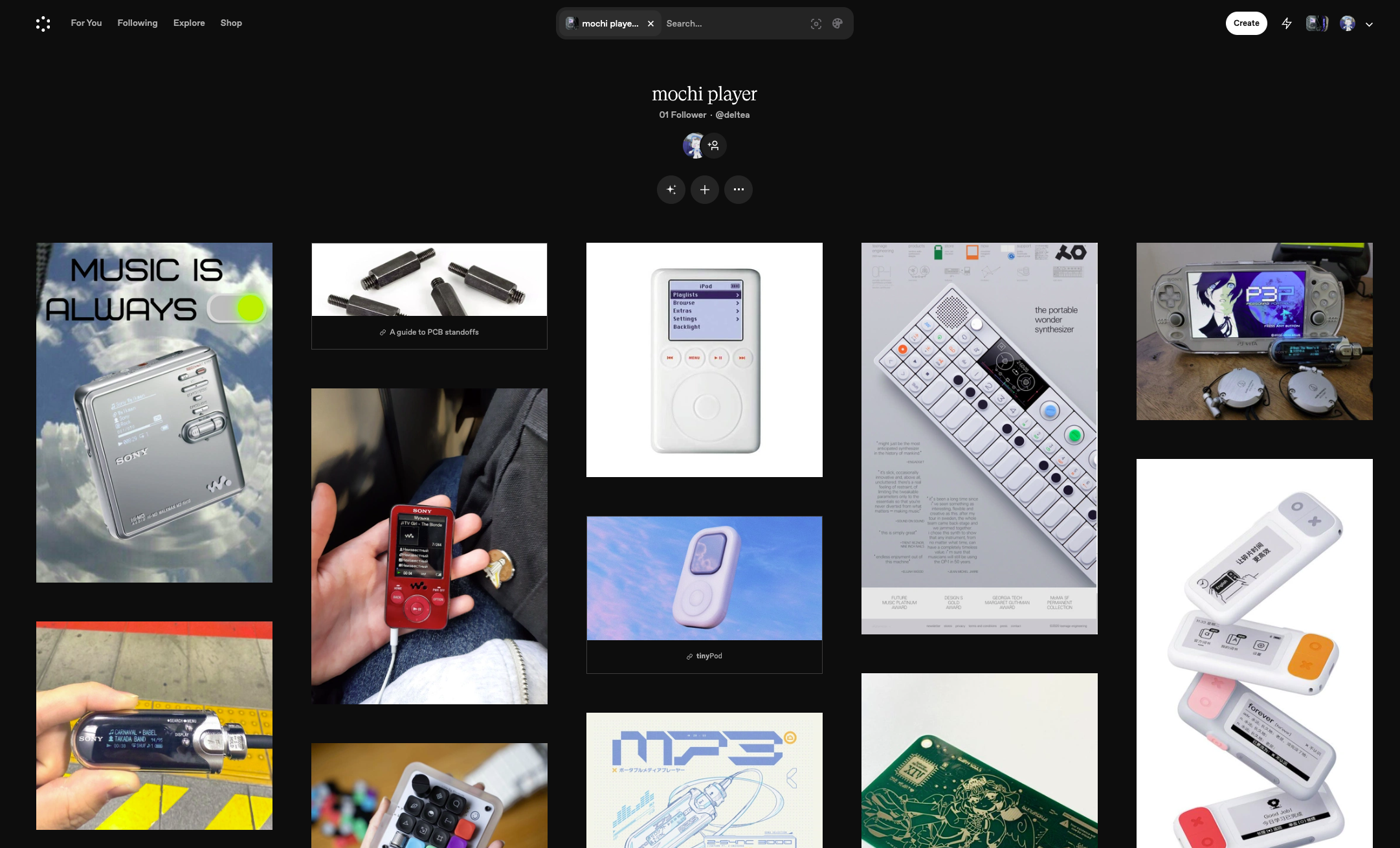
screenshot of my cosmos.so mood board
anyways, back to the actual tech. after working on naicha68 for a while now, i’ve gotten more experienced in pcb design, so i actually realized that my current setup might not be ideal. rather than having a codec chip to just handle all the audio decoding and processing, i was using a digital-to-analog converter, then manually playing the audio with the firmware. this would make designing the pcb a lot riskier, since there are more spots that could go wrong electrically.
i recently bought a adafruit vs1053 codec breakout board so i can test the vs1053 codec and write some firmware for it. this way, when i get the pcb, i should (theoretically) be able to just upload the firmware and have it work!
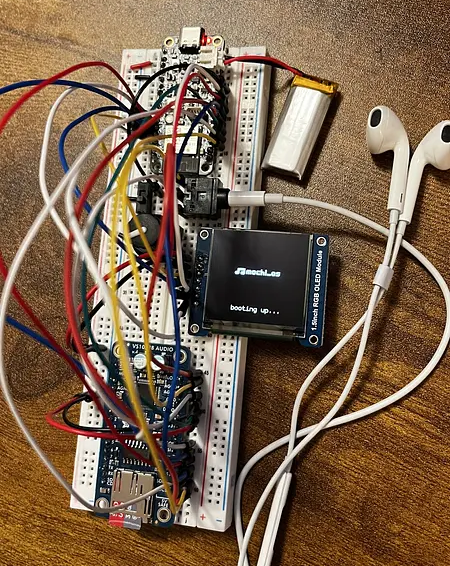
my mochi player prototype
so yeah, i just got audio playing and the next step is to organize the filesystem in a neat way, and render some basic ui to the display!